Find your path with Waystone.
Waystone Browser is a graphical browser for Linux that lets you explore the modern web, Geminispace, Gopherspace, and Spartanspace in one place — with client certificate identity support so your Gemini account travels with you.
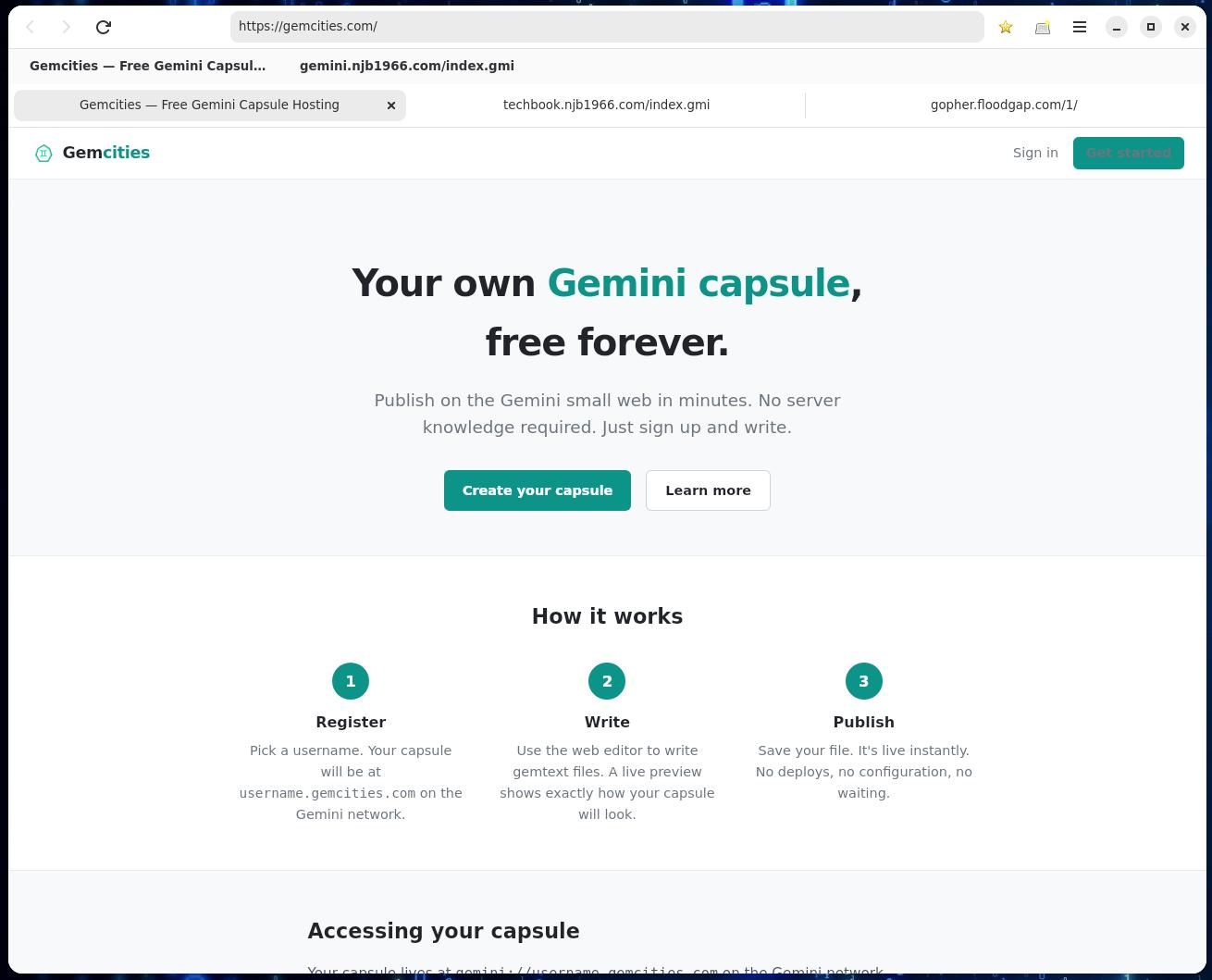
HTTP / HTTPS
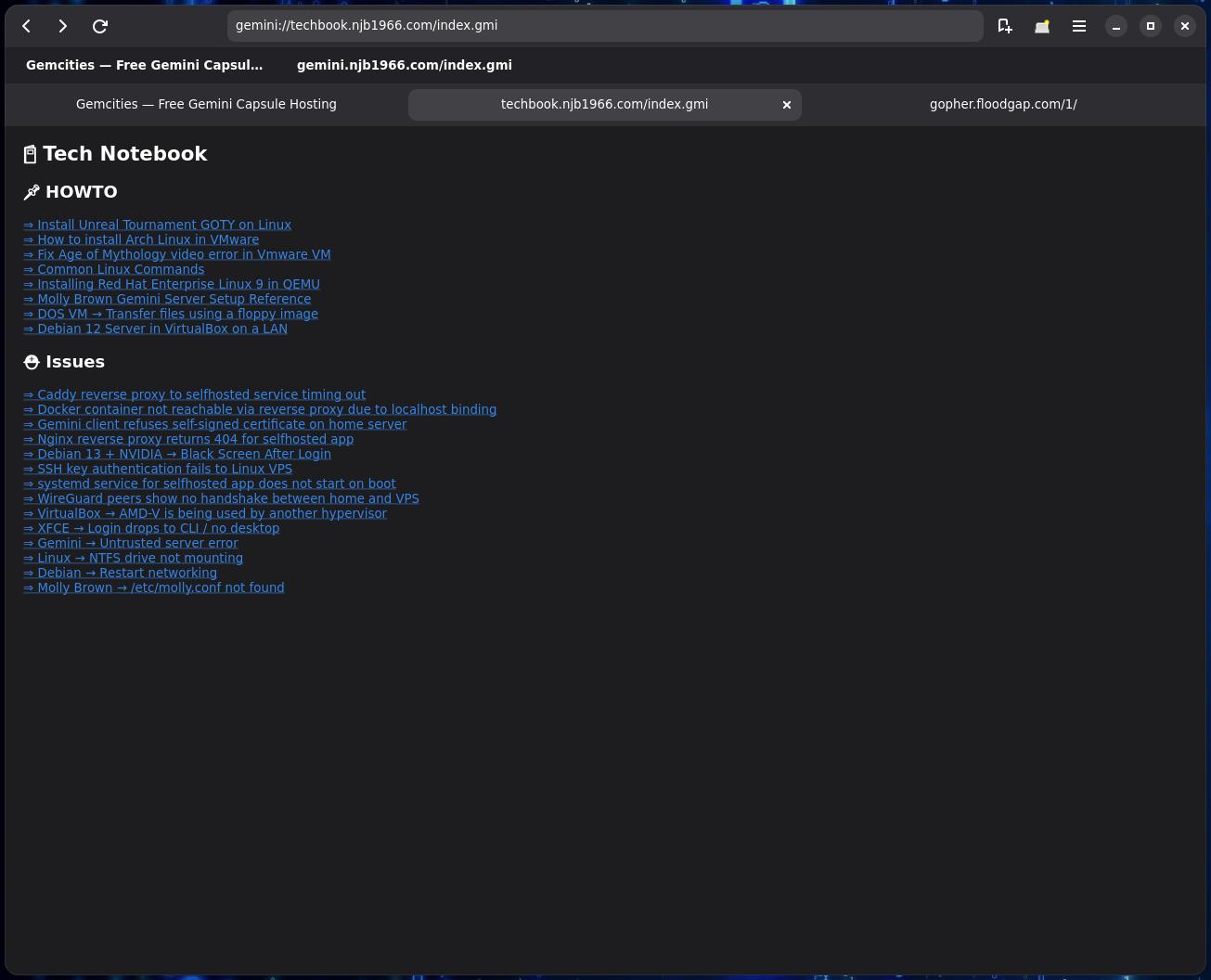
Gemini
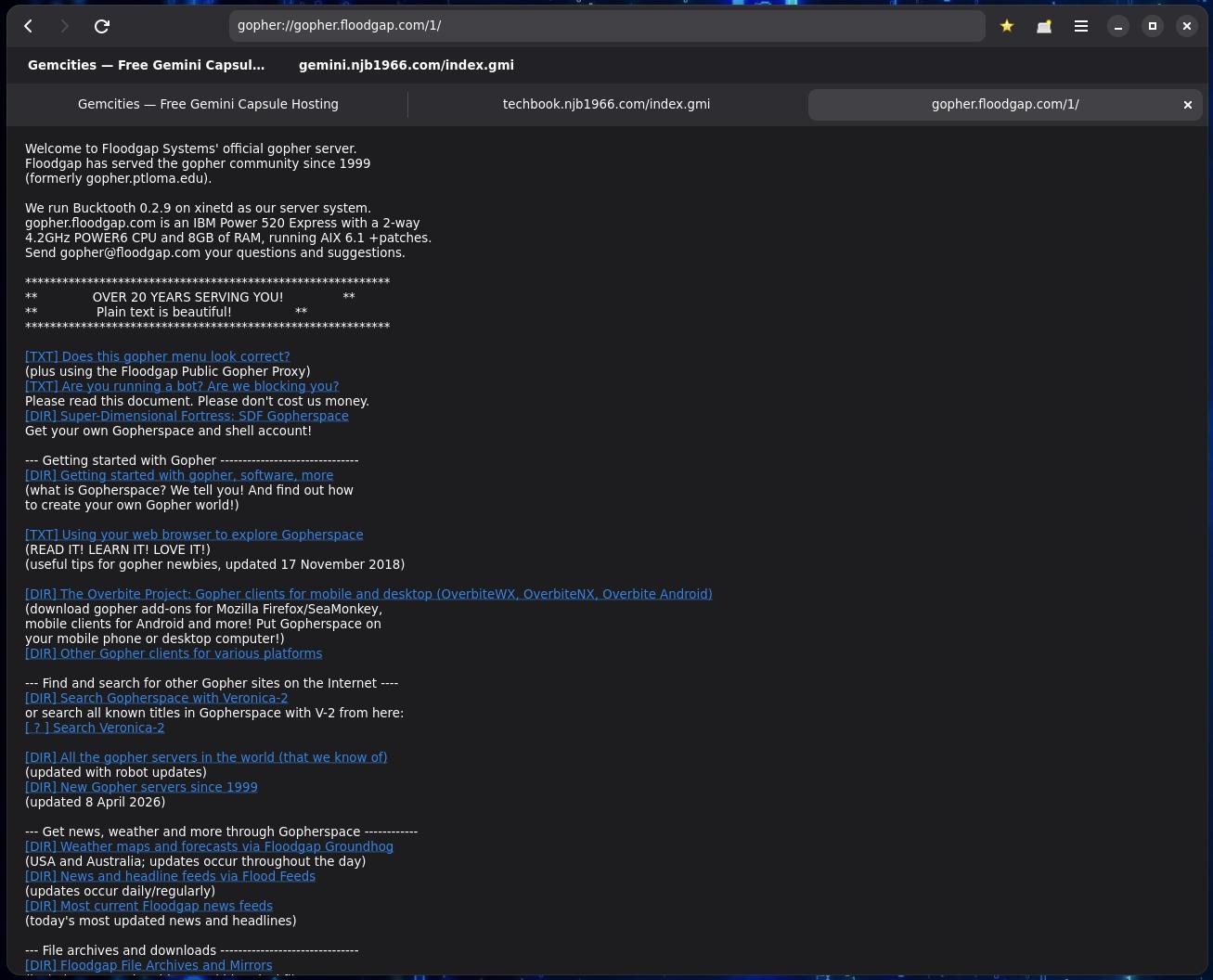
Gopher
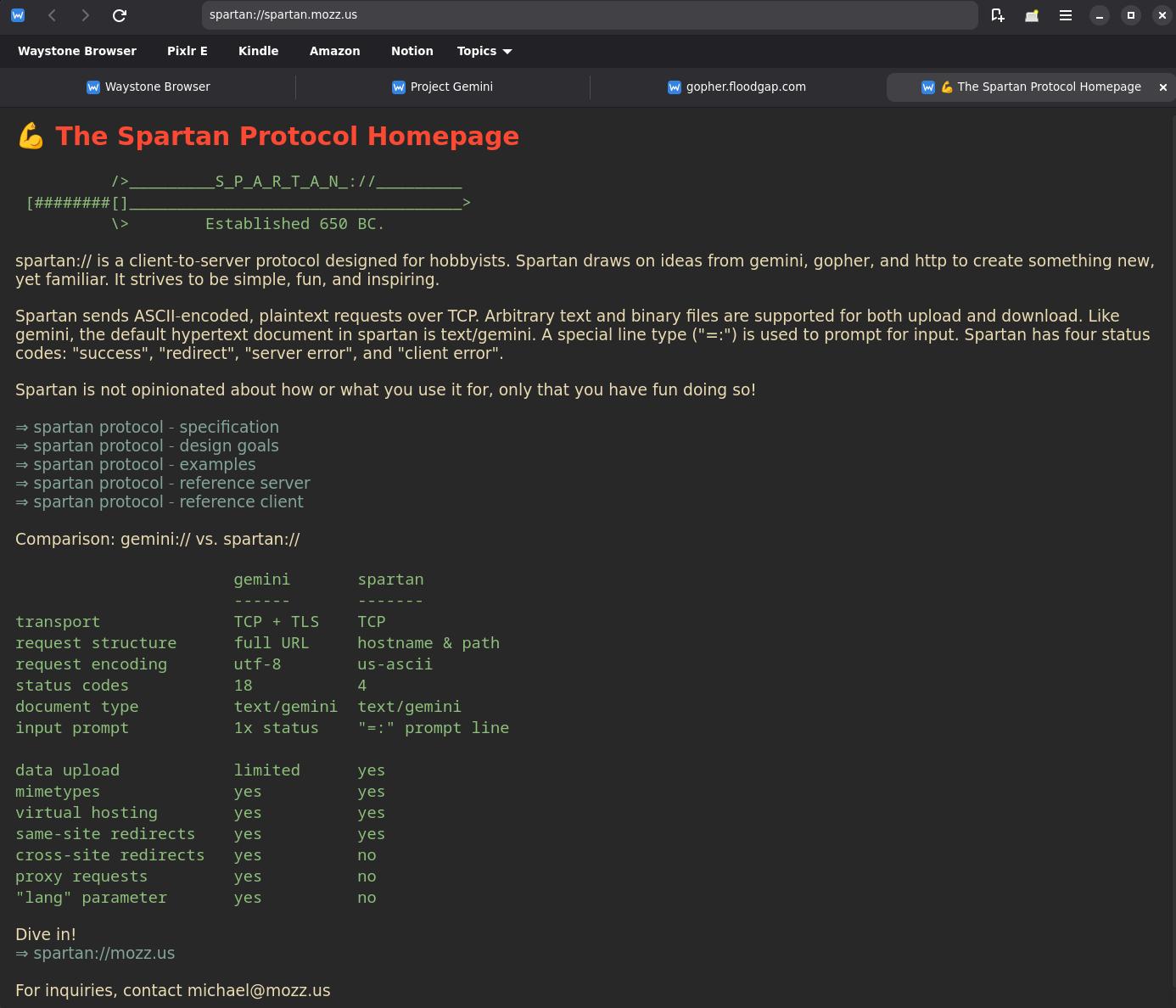
Spartan
Portable Gemini Identities
Waystone fully supports Gemini client certificate authentication used by capsules like Station and Gemini-accessible BBS systems to identify users. Create a certificate inside Waystone or import one you already use in Lagrange, Kristall, or another browser via standard .p12 files. Export your identity the same way to take it anywhere.
When a capsule requires a certificate, Waystone prompts you once to pick or create an identity then remembers it for every future visit automatically.
About Waystone Browser
Waystone is a multi-protocol graphical browser for Linux that lets you navigate the modern web, Geminispace, Gopherspace, and Spartanspace from a single application. Built with Python, GTK 4, Libadwaita, and WebKitGTK — it feels at home on any GNOME or GTK desktop. Available on Flathub (pending review) and from source.
Protocol Support
- HTTP / HTTPS — Full web engine via WebKitGTK; JavaScript on by default with a global toggle in Settings.
- Gemini — Native streaming gemtext renderer, TOFU certificate trust, redirect handling, input prompts, binary downloads, and full client certificate identity support (status 60/61/62).
- Gopher — Menu and text rendering, type-7 search dialogs, and binary file download with Save As.
-
Spartan — Gemtext rendering, redirect
handling, and data-input links (the
=line type) rendered with a prompt dialog for text submission. -
Titan — Upload text or files to Gemini
capsules via
titan://links, with optional auth token support.
Features
- Tabbed browsing — open, close, duplicate, and cycle tabs
- Session restore — your tabs reopen on next launch
- Streaming Gemini render — content appears as it arrives
- Bookmarks with arbitrarily nested folders
- Bookmarks Bar — pinned toolbar with folder dropdowns
- Import / Export bookmarks as Netscape HTML or .gmi files
- Searchable history, auto-recorded per navigation
- Find in page — Ctrl+F with live match highlighting
- Cross-protocol links — all five protocols interlink correctly
- Open in new tab — middle-click or right-click any link
- Dark / Light / System colour scheme, applied immediately
- 7 built-in colour themes for Gemini / Gopher / Spartan pages
- Text size and body font controls
- Per-tab zoom and print for web tabs
Gemini Identities
- Create named identities with self-signed RSA-2048 certificates
- Import from any browser via standard
.p12files - Export to
.p12with optional password protection - Identities auto-sent to capsules that request them
- Host-to-identity mapping stored locally — one prompt per capsule
- Manage all identities via Menu → Identities…
Keyboard Shortcuts
- Alt+Left / Alt+Right — Back / Forward
- F5 / Ctrl+R — Reload | Ctrl+Shift+R — Hard reload
- Ctrl+L — Focus address bar
- Ctrl+T — New tab | Ctrl+W — Close tab
- Ctrl+D — Bookmark current page
- Ctrl+B — Bookmarks manager | Ctrl+H — History
- Ctrl+Shift+B — Toggle Bookmarks Bar
- Ctrl+F — Find in page
Getting Started
Flatpak (recommended — pending Flathub approval):
flatpak install flathub com.waystone.browser
From source on Debian / Ubuntu, install system packages:
python3-gi gir1.2-gtk-4.0 gir1.2-adw-1
gir1.2-webkit-6.0 python3-cryptography
Clone the repository and run ./run.sh.
Full documentation and source on
GitHub.
Data & Settings
- Bookmarks, history, TOFU certs, identities —
~/.local/share/waystone/waystone.db - Settings (homepage, JS, colour scheme, theme, font) —
~/.config/waystone/settings.json - TOFU fingerprints viewable and removable in Settings → Gemini
- Identities manageable via Menu → Identities…